
特效介绍
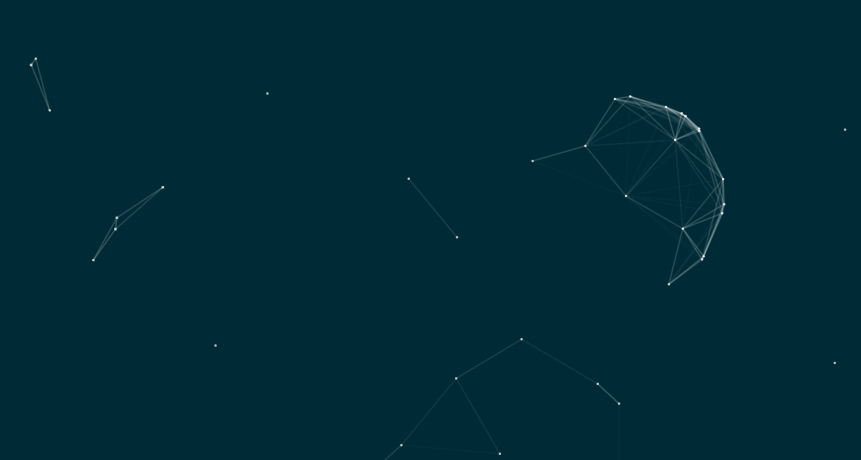
基于HTML5+canvas实现的几何星空连线背景特效,可以作为网站登录背景,应该很漂亮。
使用方法
一、加入下面的html
<canvas id="canvas"></canvas>
二、将下面代码加入到 body 之前即可:
<script>
// 可调参数
var BACKGROUND_COLOR = "rgba(0,43,54,1)";   // 背景颜色
var POINT_NUM = 100;                        // 星星数目
var POINT_COLOR = "rgba(255,255,255,0.7)";  // 点的颜色
var LINE_LENGTH = 10000;                    // 点之间连线长度(的平方)
// 创建背景画布
var cvs = document.createElement("canvas");
cvs.width = window.innerWidth;
cvs.height = window.innerHeight;
cvs.style.cssText = "\
    position:fixed;\
    top:0px;\
    left:0px;\
    z-index:-1;\
    opacity:1.0;\
    ";
document.body.appendChild(cvs);
var ctx = cvs.getContext("2d");
var startTime = new Date().getTime();
//随机数函数
function randomInt(min, max) {
    return Math.floor((max - min + 1) * Math.random() + min);
}
function randomFloat(min, max) {
    return (max - min) * Math.random() + min;
}
//构造点类
function Point() {
    this.x = randomFloat(0, cvs.width);
    this.y = randomFloat(0, cvs.height);
    var speed = randomFloat(0.3, 1.4);
    var angle = randomFloat(0, 2 * Math.PI);
    this.dx = Math.sin(angle) * speed;
    this.dy = Math.cos(angle) * speed;
    this.r = 1.2;
    this.color = POINT_COLOR;
}
Point.prototype.move = function () {
    this.x += this.dx;
    if (this.x < 0) {
        this.x = 0;
        this.dx = -this.dx;
    } else if (this.x > cvs.width) {
        this.x = cvs.width;
        this.dx = -this.dx;
    }
    this.y += this.dy;
    if (this.y < 0) {
        this.y = 0;
        this.dy = -this.dy;
    } else if (this.y > cvs.height) {
        this.y = cvs.height;
        this.dy = -this.dy;
    }
}
Point.prototype.draw = function () {
    ctx.fillStyle = this.color;
    ctx.beginPath();
    ctx.arc(this.x, this.y, this.r, 0, Math.PI * 2);
    ctx.closePath();
    ctx.fill();
}
var points = [];
function initPoints(num) {
    for (var i = 0; i < num; ++i) {
        points.push(new Point());
    }
}
var p0 = new Point(); //鼠标
p0.dx = p0.dy = 0;
var degree = 2.5;
document.onmousemove = function (ev) {
    p0.x = ev.clientX;
    p0.y = ev.clientY;
}
document.onmousedown = function (ev) {
    degree = 5.0;
    p0.x = ev.clientX;
    p0.y = ev.clientY;
}
document.onmouseup = function (ev) {
    degree = 2.5;
    p0.x = ev.clientX;
    p0.y = ev.clientY;
}
window.onmouseout = function () {
    p0.x = null;
    p0.y = null;
}
function drawLine(p1, p2, deg) {
    var dx = p1.x - p2.x;
    var dy = p1.y - p2.y;
    var dis2 = dx * dx + dy * dy;
    if (dis2 < 2 * LINE_LENGTH) {
        if (dis2 > LINE_LENGTH) {
            if (p1 === p0) {
                p2.x += dx * 0.03;
                p2.y += dy * 0.03;
            } else return;
        }
        var t = (1.05 - dis2 / LINE_LENGTH) * 0.2 * deg;
        ctx.strokeStyle = "rgba(255,255,255," + t + ")";
        ctx.beginPath();
        ctx.lineWidth = 1.5;
        ctx.moveTo(p1.x, p1.y);
        ctx.lineTo(p2.x, p2.y);
        ctx.closePath();
        ctx.stroke();
    }
    return;
}
//绘制每一帧
function drawFrame() {
    cvs.width = window.innerWidth;
    cvs.height = window.innerHeight;
    ctx.fillStyle = BACKGROUND_COLOR;
    ctx.fillRect(0, 0, cvs.width, cvs.height);
    var arr = (p0.x == null ? points : [p0].concat(points));
    for (var i = 0; i < arr.length; ++i) {
        for (var j = i + 1; j < arr.length; ++j) {
            drawLine(arr[i], arr[j], 1.0);
        }
        arr[i].draw();
        arr[i].move();
    }
    window.requestAnimationFrame(drawFrame);
}
initPoints(POINT_NUM);
drawFrame();
</script>