
特效介绍
非常逼真的HTML5 WebGL水波纹涟漪,仅用几张图片,即可做出如此逼真的效果,html5真的非常强大。你可以按照下面的方法测试效果:键盘操作:
1、按住鼠标拖动水池以外的地方,可以任意切换视角;
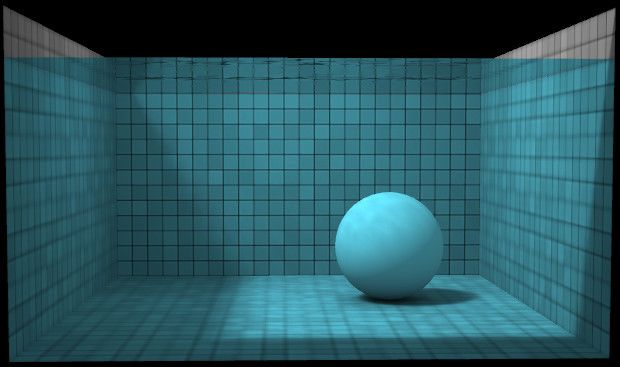
2、将鼠标放到水中拖动或者点击,可以制造水波涟漪;
3、按“G”键,可以让沉入水中的小球浮到水面,特效会模拟浮动效果;
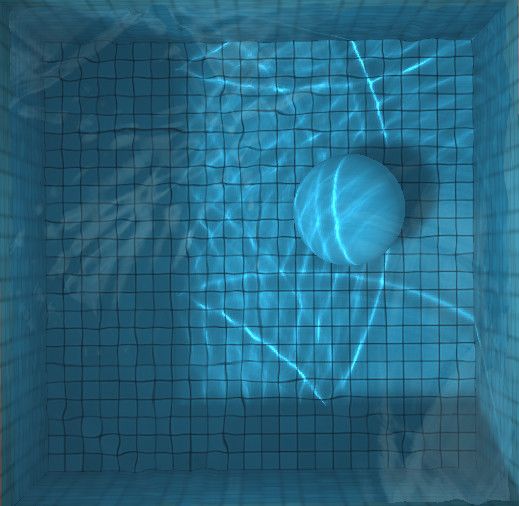
4、按“L”键,可以切换投影和光照效果;
5、按“backspace”键(空格键),可以锁定动画,然后可以拖动小球,或者制造涟漪,将小球拖动到水面上方,再按“backspace”键,将继续播放动画,小球非常逼真的落入水中,泛起阵阵浪花(如果你发现小球布下落了,再按下“G”即可)。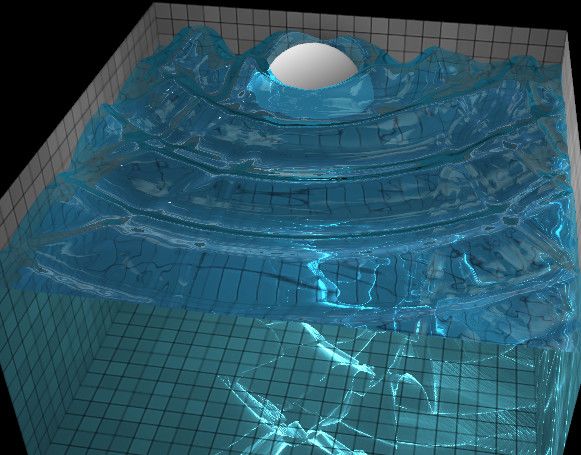
使用方法
1、在head引入下面的代码:<script src="OES_texture_float_linear-polyfill.js"></script>
<script src="lightgl.js"></script>
<script src="cubemap.js"></script>
<script src="renderer.js"></script>
<script src="water.js"></script>
<script src="main.js"></script>
<style type="text/css">
* { -webkit-user-select: none; -moz-user-select: none; cursor: default; }
body { font: 13px/18px Arial, sans-serif; background: black; color: white; overflow: hidden; }
a { color: inherit; cursor: pointer; }
img { display: none; }
ul { padding: 0 0 0 20px; }
h1 { font: bold italic 30px/30px Georgia; text-align: center; }
h2 { font: bold italic 17px/17px Georgia; padding-top: 10px; }
small { display: block; font-size: 11px; line-height: 15px; }
canvas { position: absolute; top: 100px; left: 0; }
#help { position: absolute; top: 100px; right: 0; bottom: 0; width: 280px; padding-right: 20px; overflow: auto; }
#loading { position: absolute; left: 0; top: 50%; right: 300px; text-align: center; margin-top: -8px; }
</style>
2、在body引入下面的代码:<div style="text-align:center;clear:both">
<script src="/gg_bd_ad_720x90.js" type="text/javascript"></script>
<script src="/follow.js" type="text/javascript"></script>
</div>
<div id="loading">Loading...</div>
<div id="help">
<h1>WebGL Water</h1>
<p>Made by <a href="http://madebyevan.com/">Evan Wallace</a></p>
<p>This demo requires a decent graphics card and up-to-date drivers. If you can't run the demo, you can still <a href="http://youtube.com/watch?v=R0O_9bp3EKQ">see it on YouTube</a>.</p>
<h2>Interactions:</h2>
<ul>
<li>Draw on the water to make ripples</li>
<li>Drag the background to rotate the camera</li>
<li>Press SPACEBAR to pause and unpause</li>
<li>Drag the sphere to move it around</li>
<li>Press the L key to set the light direction</li>
<li>Press the G key to toggle gravity</li>
</ul>
<h2>Features:</h2>
<ul>
<li>Raytraced reflections and refractions</li>
<li>Analytic ambient occlusion</li>
<li>Heightfield water simulation *</li>
<li>Soft shadows</li>
<li>Caustics **</li>
</ul>
<p><small>* requires the OES_texture_float extension<br>** requires the OES_standard_derivatives extension</small></p>
<p><small>Tile texture from <a href="http://www.flickr.com/photos/zooboing/3682834083/">zooboing</a> on Flickr</small></p>
</div>
<img id="tiles" src="tiles.jpg">
<img id="xneg" src="xneg.jpg">
<img id="xpos" src="xpos.jpg">
<img id="ypos" src="ypos.jpg">
<img id="zneg" src="zneg.jpg">
<img id="zpos" src="zpos.jpg">