
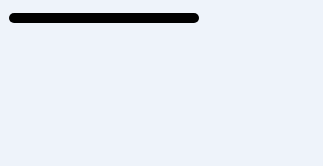
上例的JS代码:
var c=document.getElementById("myCanvas");
var ctx=c.getContext("2d");
ctx.beginPath();
ctx.lineCap="round";
ctx.moveTo(20,20);
ctx.lineTo(20,200);
ctx.stroke();
浏览器支持Internet Explorer 9、Firefox、Opera、Chrome 以及 Safari 支持 lineCap 属性。
注释:Internet Explorer 8 以及更早的版本不支持 <canvas> 元素。
定义和用法
lineCap 属性设置或返回线条末端线帽的样式。
注释:"round" 和 "square" 会使线条略微变长。
语法:
context.lineCap="butt|round|square";属性值
|
值 |
描述 |
| butt | 默认。向线条的每个末端添加平直的边缘。 |
| round | 向线条的每个末端添加圆形线帽。 |
| square | 向线条的每个末端添加正方形线帽。 |